
Types of T-Shirt Printing: 7 Methods Compared
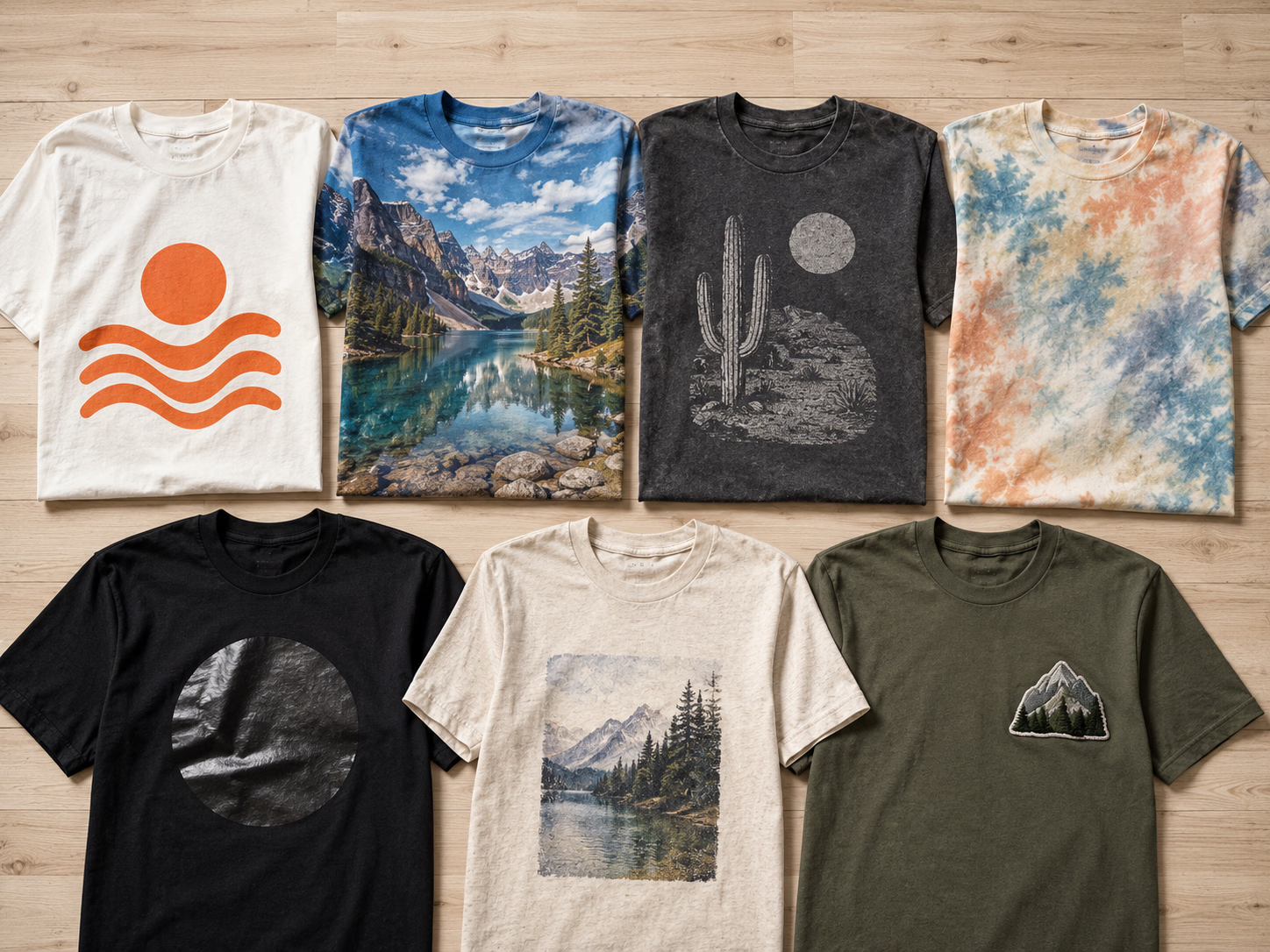
The 7 methods at a glance
Every way of putting a design on a shirt trades off cost, equipment, fabric range and durability differently. Here is the master table; each method gets its own short verdict below.
| Method | Cost pattern | Equipment | Fabrics | Durability | Best for |
|---|---|---|---|---|---|
| Screen printing | Setup per design, falls with volume | Screens, press, inks | Most fabrics | Very durable | Big runs of one design |
| DTF transfers | Flat per print, no setup | Heat press only (order transfers) | Any fabric, any color | 50+ washes applied correctly | Full color, any quantity |
| DTG | Flat per print, costly printer | DTG printer, pretreatment | Best on 100% cotton | Good on cotton | Soft-feel cotton prints |
| Sublimation | Low per print | Sublimation printer, heat press | Light polyester only | Excellent, dye is in the fiber | All-over polyester prints |
| Heat transfer vinyl | Low materials, slow per shirt | Cutter, heat press | Most fabrics | Durable | Names, numbers, simple shapes |
| Inkjet transfer paper | Cheapest to start | Home inkjet, iron or press | Cotton, light colors best | Fades fastest | One-off crafts |
| Embroidery | Higher per piece | Embroidery machine | Most sturdy fabrics | Extremely durable | Premium logos, polos, hats |
1. Screen printing
The classic: ink is pushed through a stencil on a mesh screen, one screen per color. Setup takes real time and cost per design, but once the screens exist, each extra shirt is fast and cheap, which is why screen printing usually wins past a few hundred identical prints of a simple design.
Best for: long runs of one design in a few solid colors. For the full head-to-head with DTF, including the cost crossover, see DTF vs screen printing. Buying pressed-ready transfers instead of printed shirts? That comparison lives at screen print transfers vs DTF.
2. DTF transfers (direct to film)
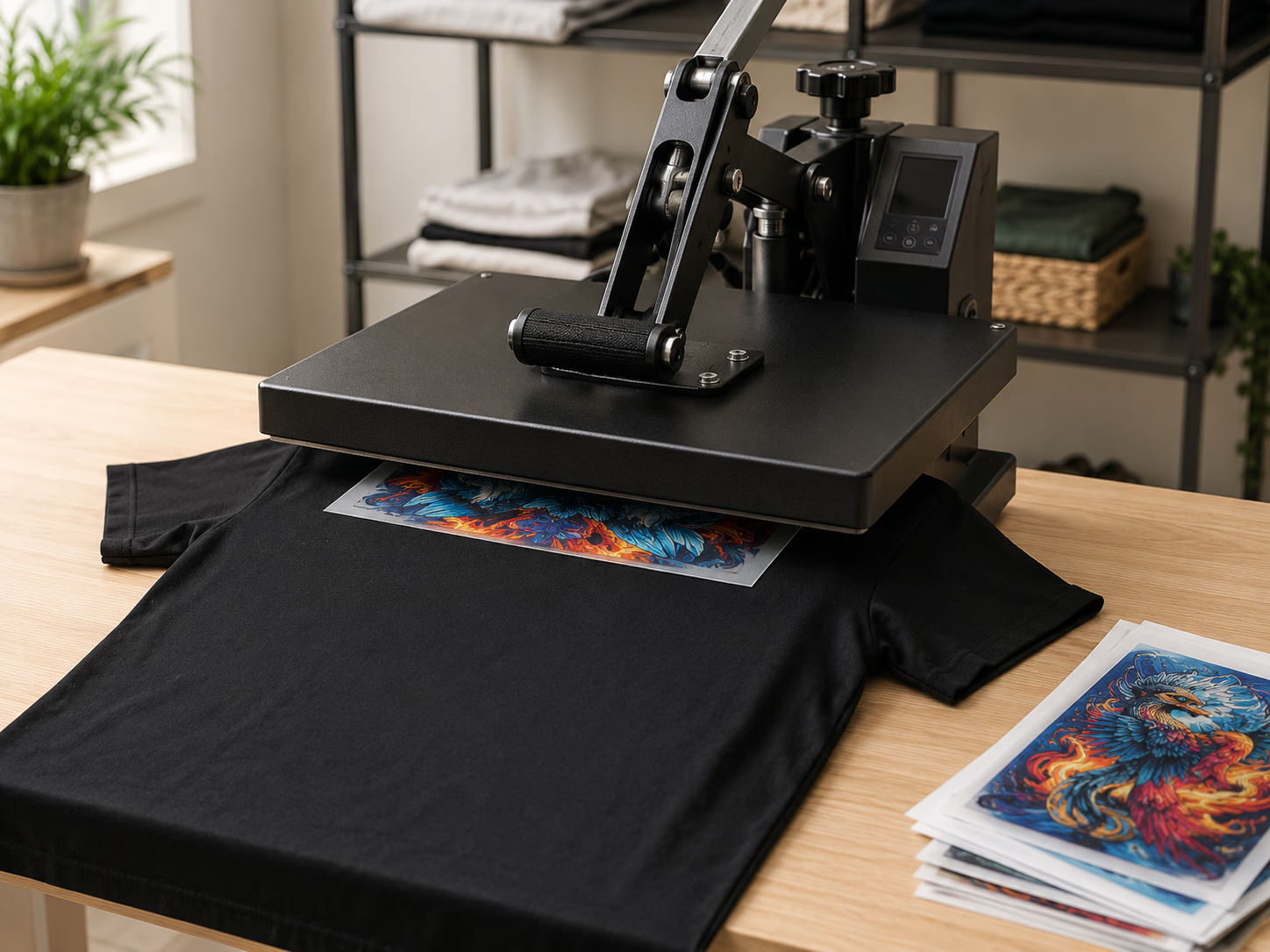
DTF (direct to film) transfers are printed digitally onto film in full color with a built-in white underbase, then pressed onto the garment with a heat press. No screens, no cutting, no weeding, no layering, and no fabric limits: cotton, polyester, blends, light or dark all take the same transfer.
Because there is no setup, one print costs the same per piece as fifty, and there is no minimum order. Ours are printed in the USA, ship in 1-2 business days, and are rated for 50+ washes when applied correctly.
Best for: full-color and photographic designs at any quantity, and anyone who wants to make custom shirts with nothing but a heat press. New to it? Start with what DTF printing is.
3. DTG (direct to garment)
DTG printers spray water-based ink directly into the shirt like an inkjet prints paper, which gives an exceptionally soft hand feel. The catch is fabric: DTG performs best on 100% cotton, dark garments usually need a pretreatment step, and the printers are a significant investment for a small shop.
Best for: soft-feel prints on premium cotton, in shops that already own the printer. The full breakdown, including a fabric compatibility table, is in DTF vs DTG.
4-6. Sublimation, HTV and transfer paper
Three lighter-weight methods, in brief:
- Sublimation turns dye into gas that bonds inside polyester fibers, so there is zero hand feel and excellent durability. The hard limits: light-colored polyester only, and no white ink.
- Heat transfer vinyl (HTV) is cut from colored vinyl sheets, weeded and pressed. Durable and great for names and numbers, but each color is a separate layer, so detailed multicolor designs get impractical fast. Curious how it compares to making your own transfers? See how to make iron-on transfers.
- Inkjet transfer paper is the cheapest way to start, printed on a home inkjet and pressed with an iron, but it fades fastest in the wash. Custom iron-on transfers printed professionally are the durable upgrade to the same workflow.
We keep these short on purpose: the deep comparison of these methods against DTF lives in DTF vs sublimation vs vinyl HTV.
7. Embroidery
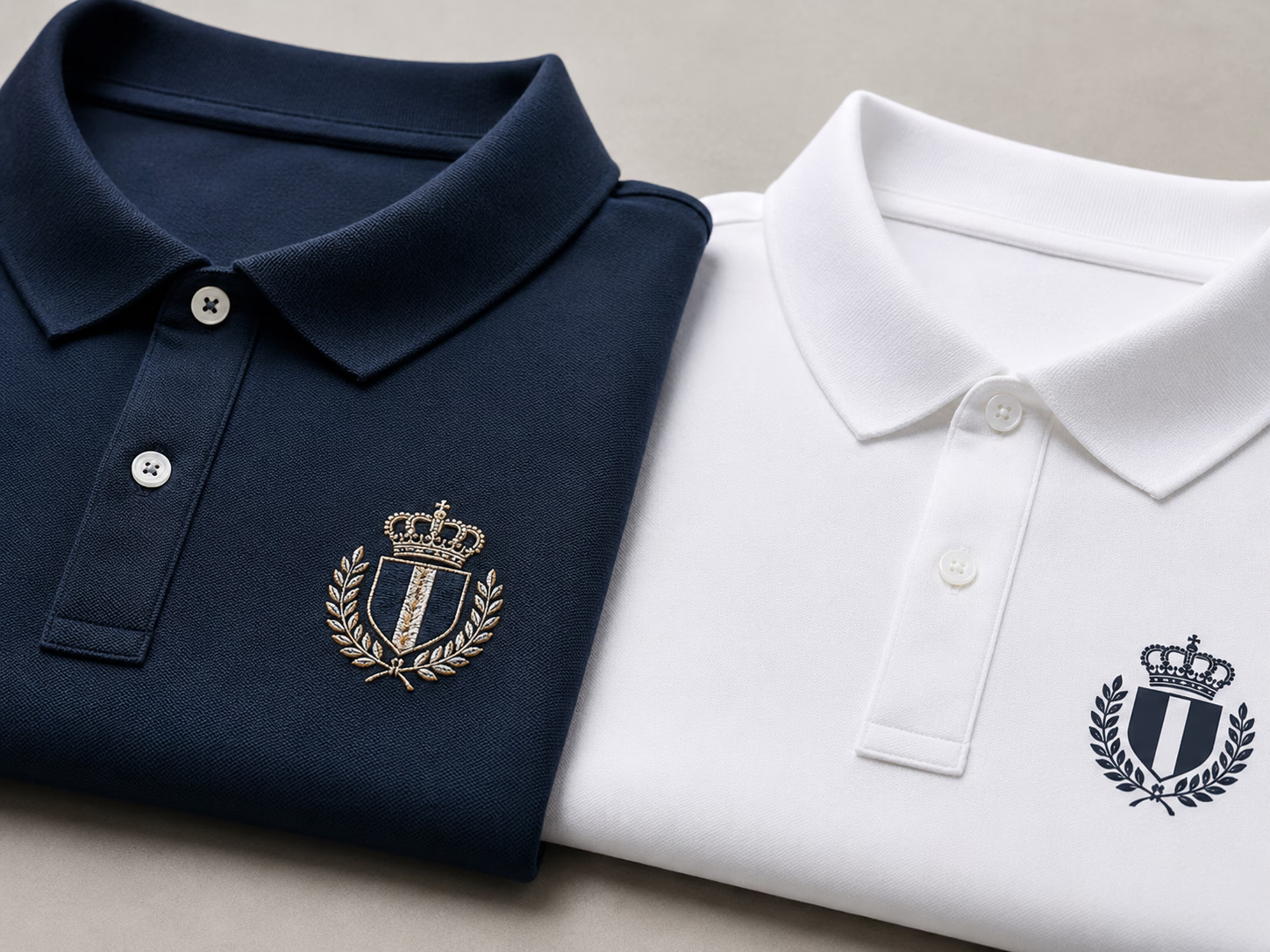
Embroidery is the odd one out: thread stitched into the garment rather than anything printed. It reads as premium, lasts about as long as the garment itself, and is the default for polos, caps and workwear logos. The trade-offs are cost per piece, no gradients or photographic detail, and stitch weight that suits sturdy fabrics better than thin tees.
Best for: premium branding on polos, hats and outerwear where texture and longevity matter more than color complexity.
Which t-shirt printing method should you choose?
Match the method to your situation rather than the other way round:
- Beginner or hobbyist: order DTF transfers and apply them with a heat press (or start even cheaper with transfer paper, accepting the shorter life). No printer to buy, no minimum order, and applying DTF transfers takes seconds per shirt.
- Small business: DTF transfers keep you full color with zero setup while orders are mixed and quantities are small; add embroidery via a service for premium items. Our guide to starting a t-shirt business from home with DTF covers the whole workflow.
- Bulk runs of one design: screen printing, once you are past a few hundred identical shirts in a few colors. Below that, DTF usually stays cheaper per piece because there is no setup to absorb.
Rule of thumb: full color, mixed designs or small quantities point to DTF; one simple design in the hundreds points to screen printing; all-over light polyester points to sublimation.
Printing at home vs ordering transfers
Most of these methods quietly assume you will buy equipment: a DTG or sublimation printer, a vinyl cutter, screens and inks, or an embroidery machine. That is the most common beginner mistake, overbuying hardware before there are sales to justify it.
The transfer route flips that. You upload your designs, we print them in full color with every file human-checked, and you press them at home as orders arrive. The only hardware is a heat press, shipping is free in the US over $75, and you can pack many designs onto one sheet with the gang sheet builder to keep per-design cost down. When volume grows, you will know exactly which method (and which machine) the numbers actually support.