
DTF Transfers Not Sticking or Peeling? Troubleshooting Guide
| Symptom | Likely cause | Fix |
|---|---|---|
| Peels right off, will not bond | Sublimation-coated blank, or too little pressure | Use cotton, blends or non-coated polyester; firm pressure |
| Lifts or cracks after washing | Under-curing: too cool, too short, warm peel, or no re-press | Verify platen temperature, full time, cool peel, 5-10 second re-press |
| Design comes up with the film | Peeled too soon, or uneven pressure | Cool completely, lay film back down, re-press, peel low and slow |
| Faded, patchy or grainy print | Not bonding deep enough into the fabric | Pre-press first, correct temperature, post-press through parchment |
DTF symptom, likely cause, and fix at a glance. The sections below cover each in depth.
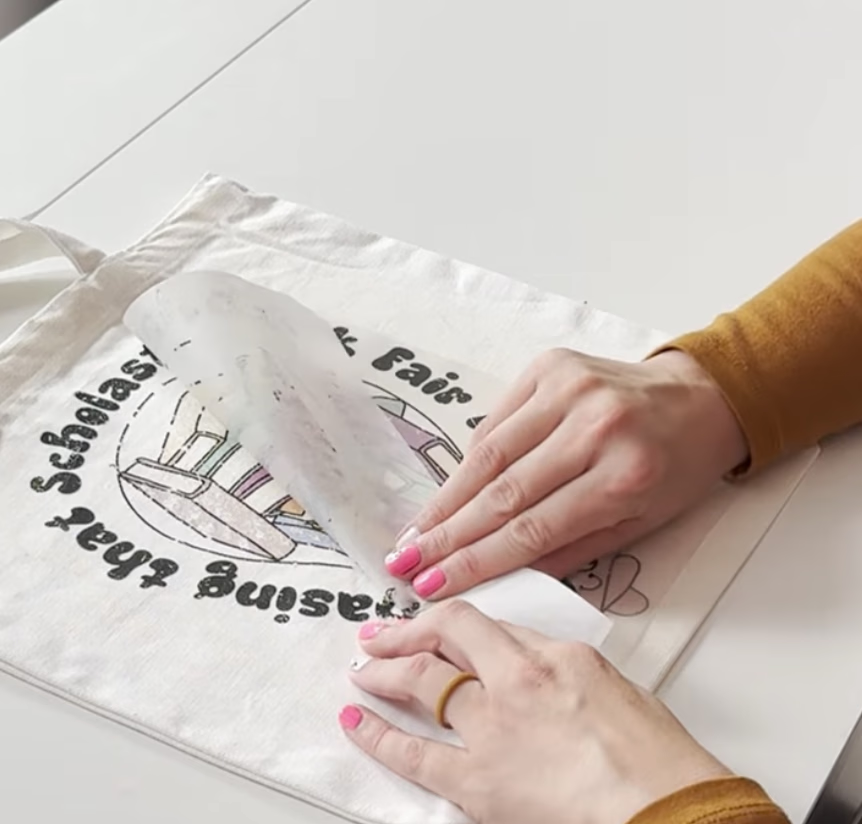
Why is my DTF transfer not sticking?
Pressure first, surface second. Increase the pressure to firm and check your press closes evenly corner to corner; if it still will not bond, the blank itself is usually the problem. Sublimation blanks are often coated in a slick polymer layer meant to hold sublimation ink, and that same coating repels DTF adhesive.
- Do not press on blanks labeled only for sublimation. Use cotton, cotton/poly blends, or non-coated polyester.
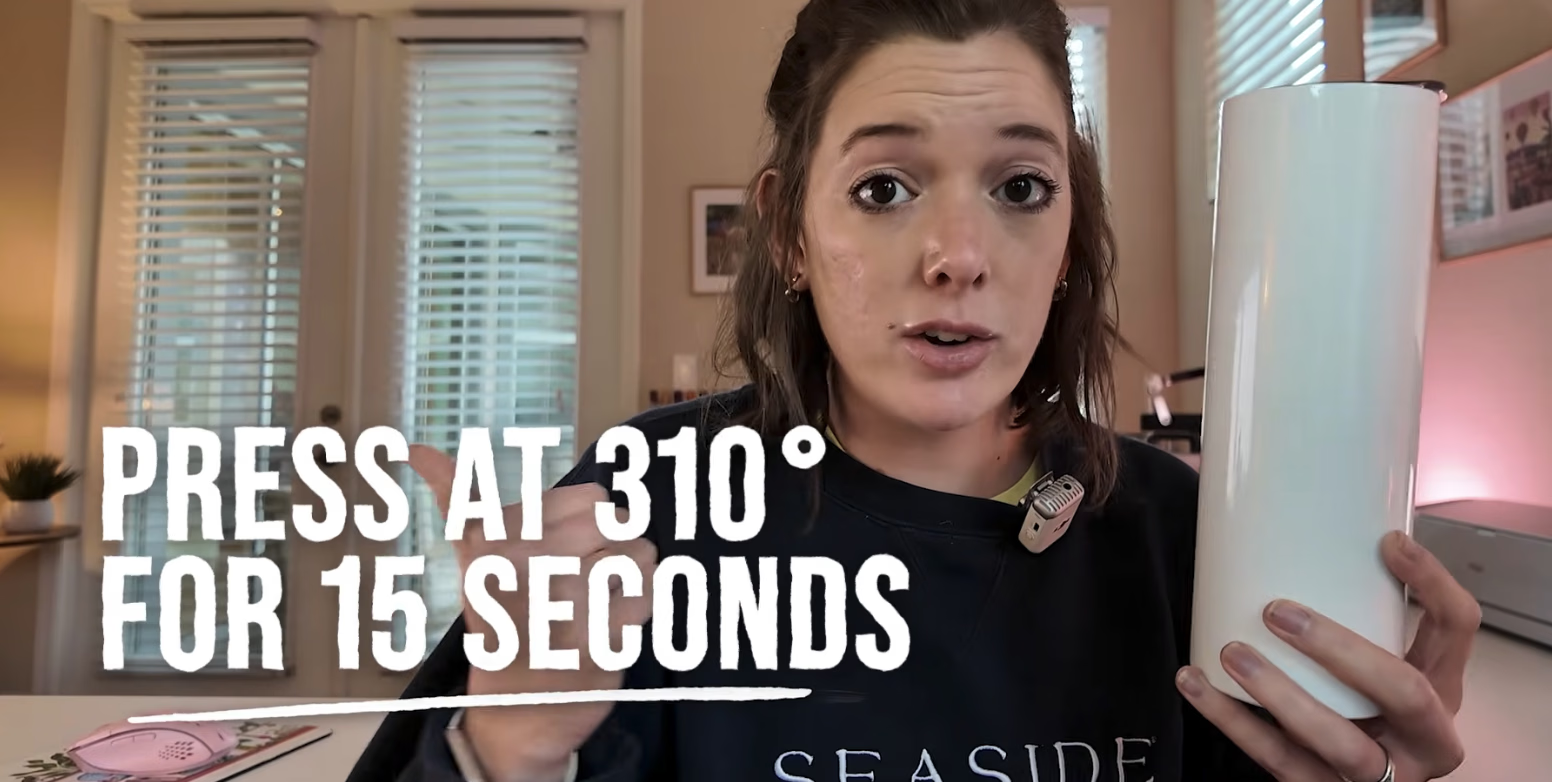
- If you must use a sublimation blank: pre-press 5-10 seconds to remove moisture, use firm pressure, try 310°F for 15 seconds, cool completely before peeling, and post-press 5 seconds with a cover sheet.
- Water-repellent and coated fabrics resist bonding the same way. Test a scrap first.
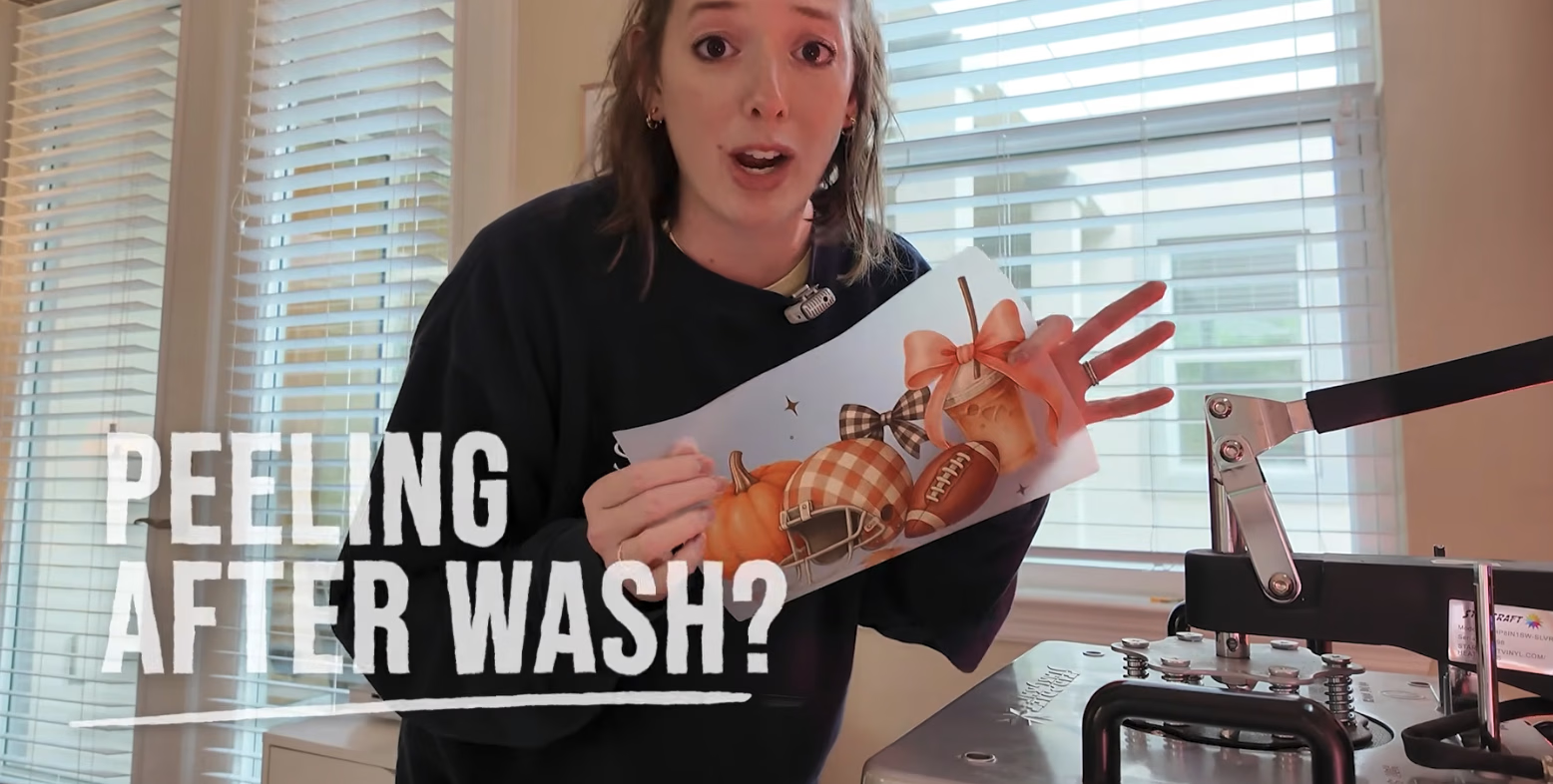
Why is my DTF peeling or cracking after washing?
Cracking or lifting after the wash means under-curing: the press did not get the adhesive fully melted into the fibers, even if the shirt looked perfect on day one.
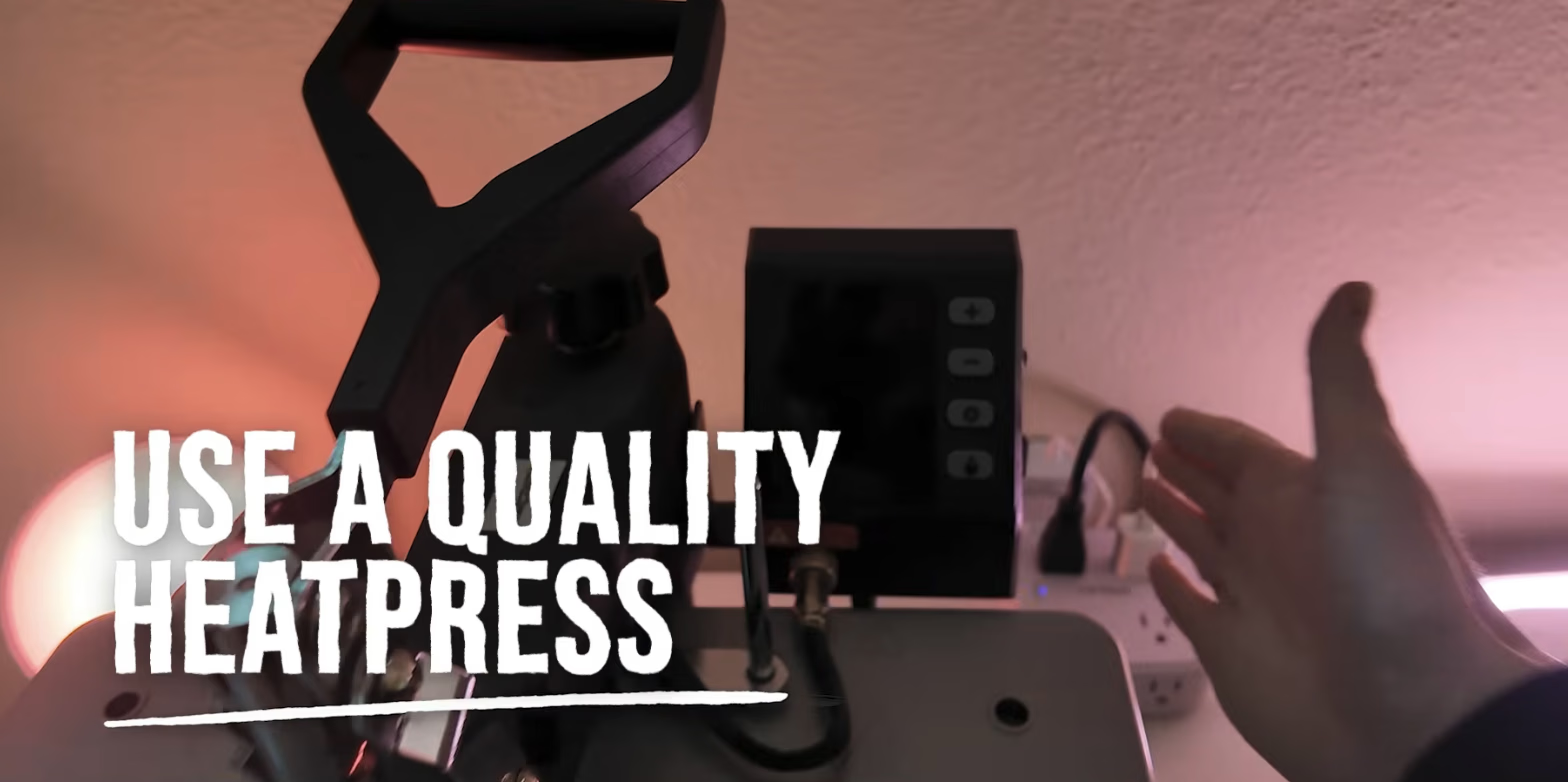
- Use a quality heat press with even pressure. Handheld presses often miss corners and edges.
- Verify the real platen temperature: presses read 10-15°F off, and auto presses often run 10-20°F cooler than the display.
- Stick to a cool peel, and always do the 5-10 second post-press to seal the transfer into the fibers.
- Wait 24-48 hours before the first wash, then wash inside-out in cold water. The full routine is in how to apply DTF transfers.
Why will the transfer not release from the film?
When the design lifts with the film instead of staying on the shirt, it is peel timing or pressure, almost every time.
- Make sure the transfer cools completely before peeling. Cool peel means cool to the touch, about a minute.
- If it starts lifting mid-peel, lay the film back down, re-press at full settings, cool, and try again from a different corner.
- Peel slowly, at a sharp, low angle, keeping the film close to the fabric.
- Never skip the pre-press: it flattens the surface, removes moisture, and improves grip.
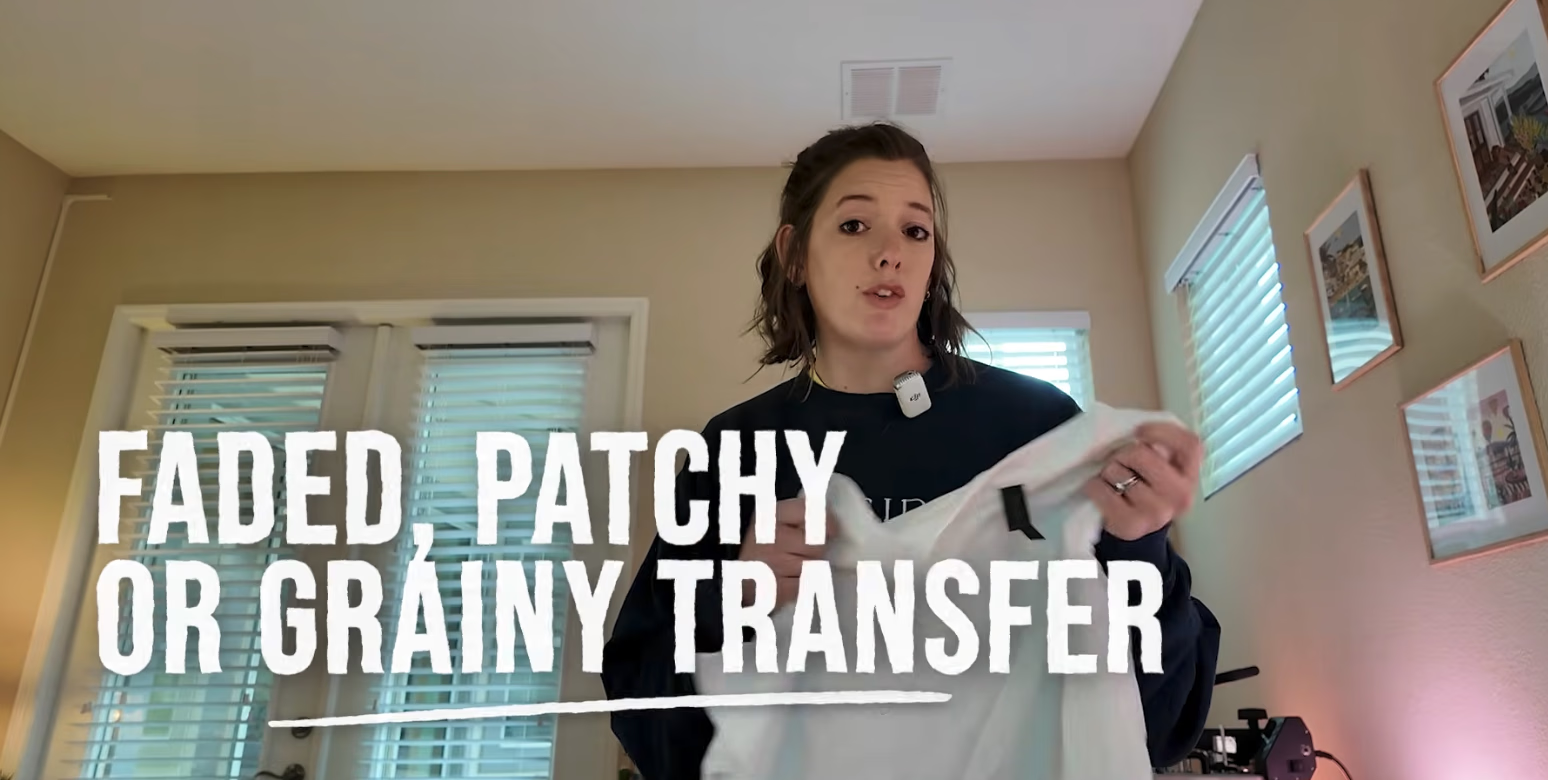
Why does my print look faded or patchy?
A dull or uneven print is not adhering deep enough into the fabric.
- Always pre-press to flatten the surface and remove moisture.
- Check the press is actually reaching the right temperature for the fabric: the full chart is in the DTF heat press settings guide.
- A 5-10 second post-press through parchment or a Teflon sheet revives color and locks in adhesion.
- Smooth, tightly woven fabrics give the best contact; rough or loose knits reduce it.
Final tip: do not guess, test
Always test new blanks before full production. Even small differences in fabric coating or weave can make or break a transfer.
Still stuck? Email us at [email protected] and we will help you diagnose it.